Products from SAITS
Applications for real estate and construction
Built from the real work of estate agents, developers, property managers and contractors. Each application can be used on its own and connects to the systems you already have.
Developers · Investors · Estate agents
Swiss GIS Explorer
The GIS Explorer puts around 3.36 million buildings and the plots of Switzerland on one map. You set an acquisition profile, and the system shows which sites fit, how much floor area could still be built there and the most you should pay for them.
- Densification potential for every plot
- Residual value as a ceiling for the purchase price
- Matches ranked by score, profiles uploaded as PDF
Management · Department heads
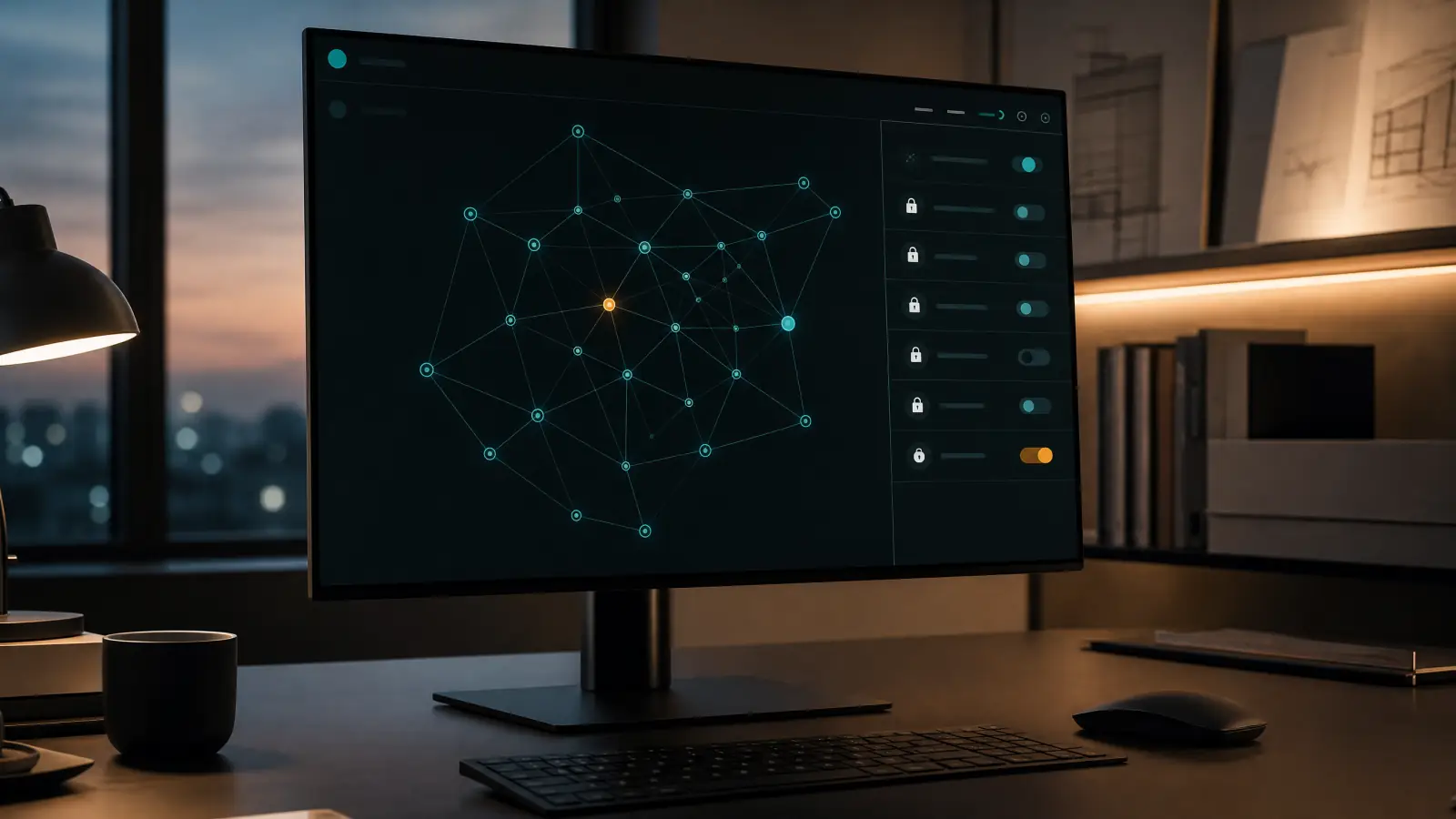
2nd Brain
Most of what a company knows is written down nowhere. An interview agent draws it out of your experienced people and links it with your CRM, ERP and files into a knowledge graph. Staff and AI tools query it directly and see only what their role allows.
- Experience stays when people leave
- Answers with sources instead of searching five systems
- Roles, rights and an audit trail, hosted in the EU
Developers · General contractors · Property managers
LastOS Platform
LastOS is the platform our applications run on. From the app catalogue you book exactly the apps your business needs: acquisition, purchasing, portfolio, exposés and more. They all share one login, one approval centre and one audit trail.
- A new process is a catalogue entry, not a new build
- Approval per action: autonomous, with approval or four eyes
- Connects to your systems, data kept in the EU
IT leads · Software teams · Operations
Incidents
Incidents watches your applications on their servers. An error in production becomes exactly one incident, with the failing line, the release, the affected users and a session replay, sent straight to the team responsible. AI analysis only starts when a person triggers it.
- One incident instead of a hundred alert e-mails
- Everything about the cause at a glance, down to the session replay
- A person decides; the AI only works at the press of a button
Estate agents · Developers · Property owners
Acquisition and Sales Manager
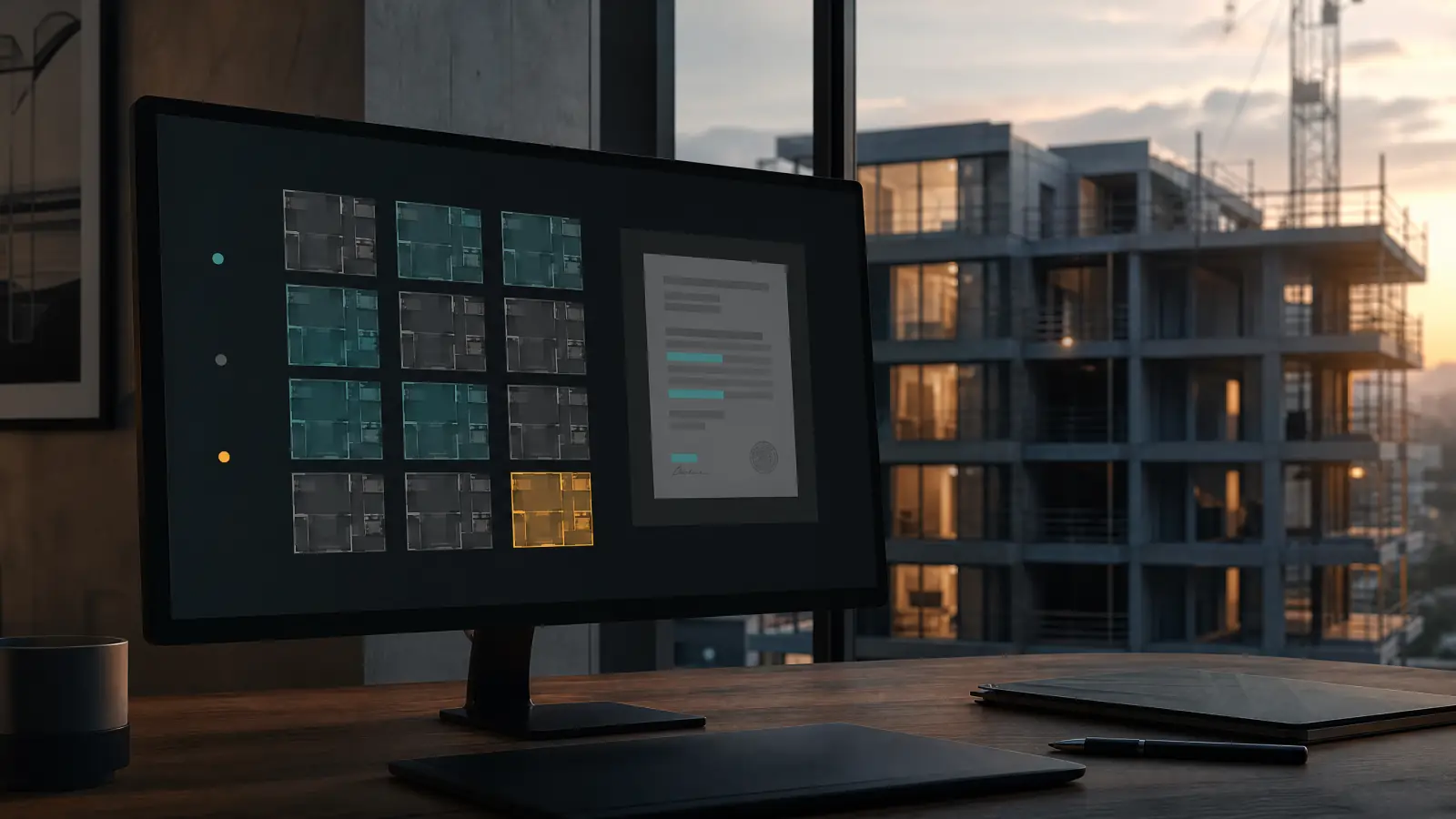
On the buying side, AI reads property offers from your inbox, checks them against your acquisition profiles and drafts the memo. On the selling side, it keeps track of units, buyers and reservations, answers enquiries on WhatsApp and reports to investors every week.
- Every offer checked, every figure with its source
- Units, buyers and payments in one view
- A weekly investor report without manual work
Property managers · Asset managers
Portfolio Management
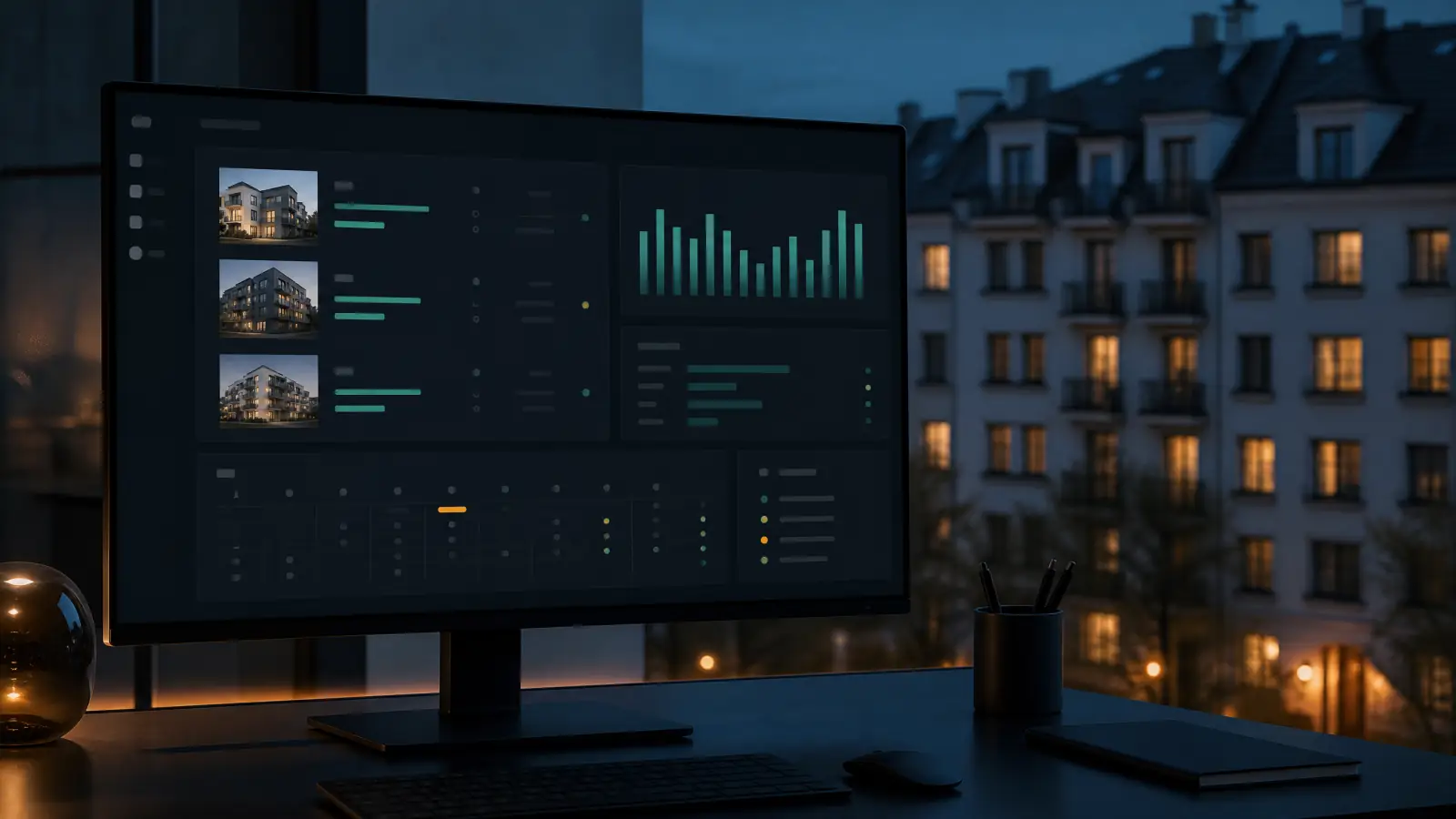
Portfolio Management brings the work of property management together: properties, units, contracts, cases, deadlines and service providers. Agents handle the routine cases, you approve. Your existing systems stay connected, and every figure shows where it came from.
- A damage report by e-mail becomes a work order with a deadline
- AI chat across the whole portfolio
- Country rules for Switzerland, Germany and Austria
Estate agents · Developers
Automated Exposé Creation
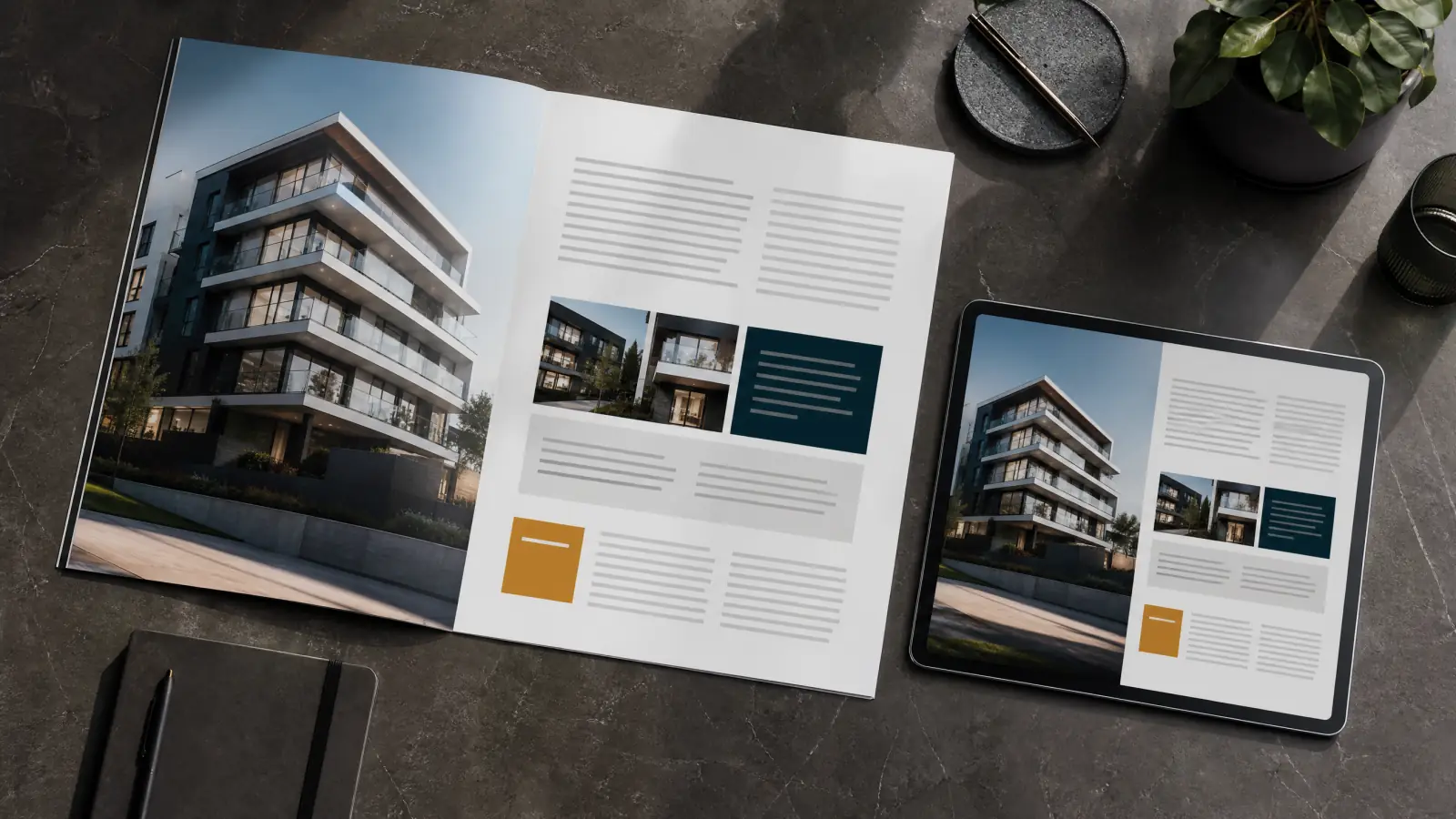
AI reads the text, images and key figures from your property documents and adds the map and surroundings. Your team checks each section in a form. The result is an exposé in your layout, as PDF and PowerPoint.
- Hours instead of days to a finished exposé
- Your brand, the same every time
- A person checks every section before it goes out
Accounting · Management
Invoice Management
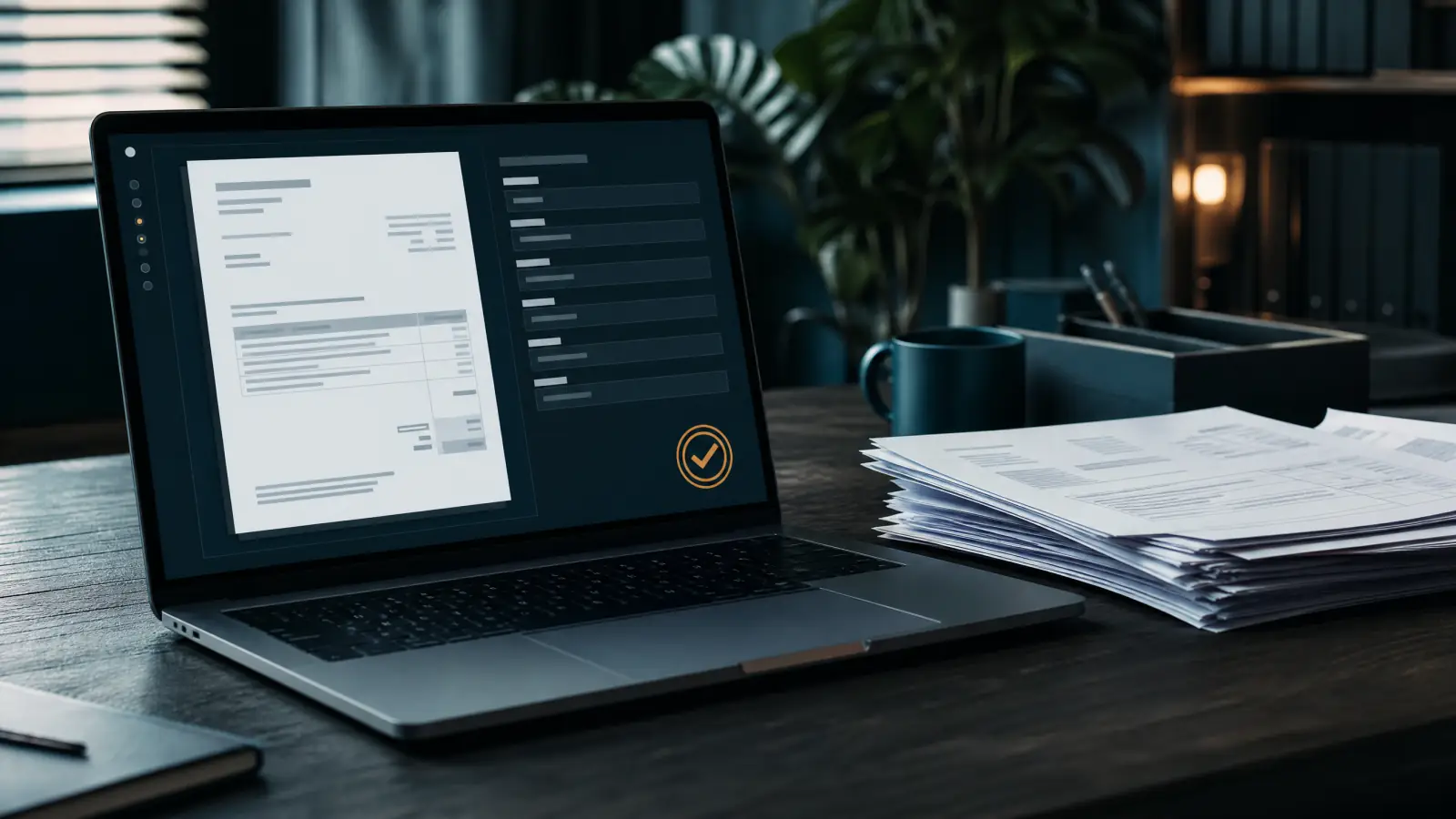
Invoices arriving in your inbox are recognised, read and entered in the open items list. Approval follows your rules: automatically, or by link to the person responsible. The PDF then carries the approval stamp and sits in the right folder.
- No retyping of number, date, amount and supplier
- An approval chain with clear responsibility
- Open items always up to date
Developers · Property owners · Administrations
Document and Knowledge System with E-mail Triage
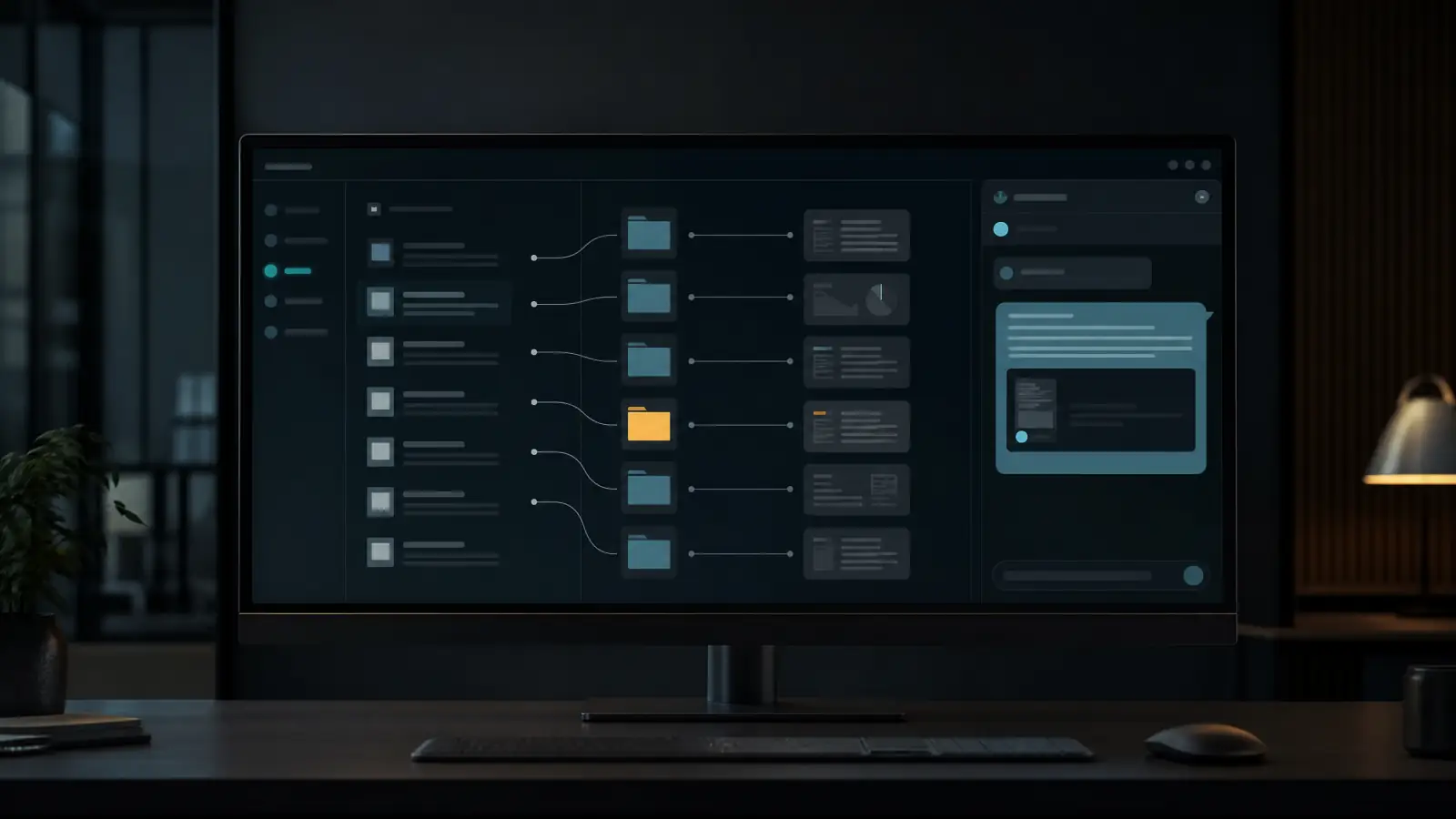
Incoming post is read, classified, assigned to the right company and filed. E-mails are sorted, prioritised and given draft replies, and anything urgent flags itself at once. An assistant answers questions from your documents, with sources.
- Consistent filing without manual work
- Draft replies your team only has to check
- Answers that point to the original document

Architects and engineers · General contractors
Tender Acquisition Portal
The portal collects public tenders from several procurement platforms, downloads the documents and reads out construction cost and floor area. Every procedure is scored against your practice’s criteria. You only see the qualified shortlist.
- No more daily trawling of procurement platforms
- Scoring by your practice’s own rules
- A pipeline right through to your ERP
Developers · General contractors · Owner’s representatives
Construction Project Management
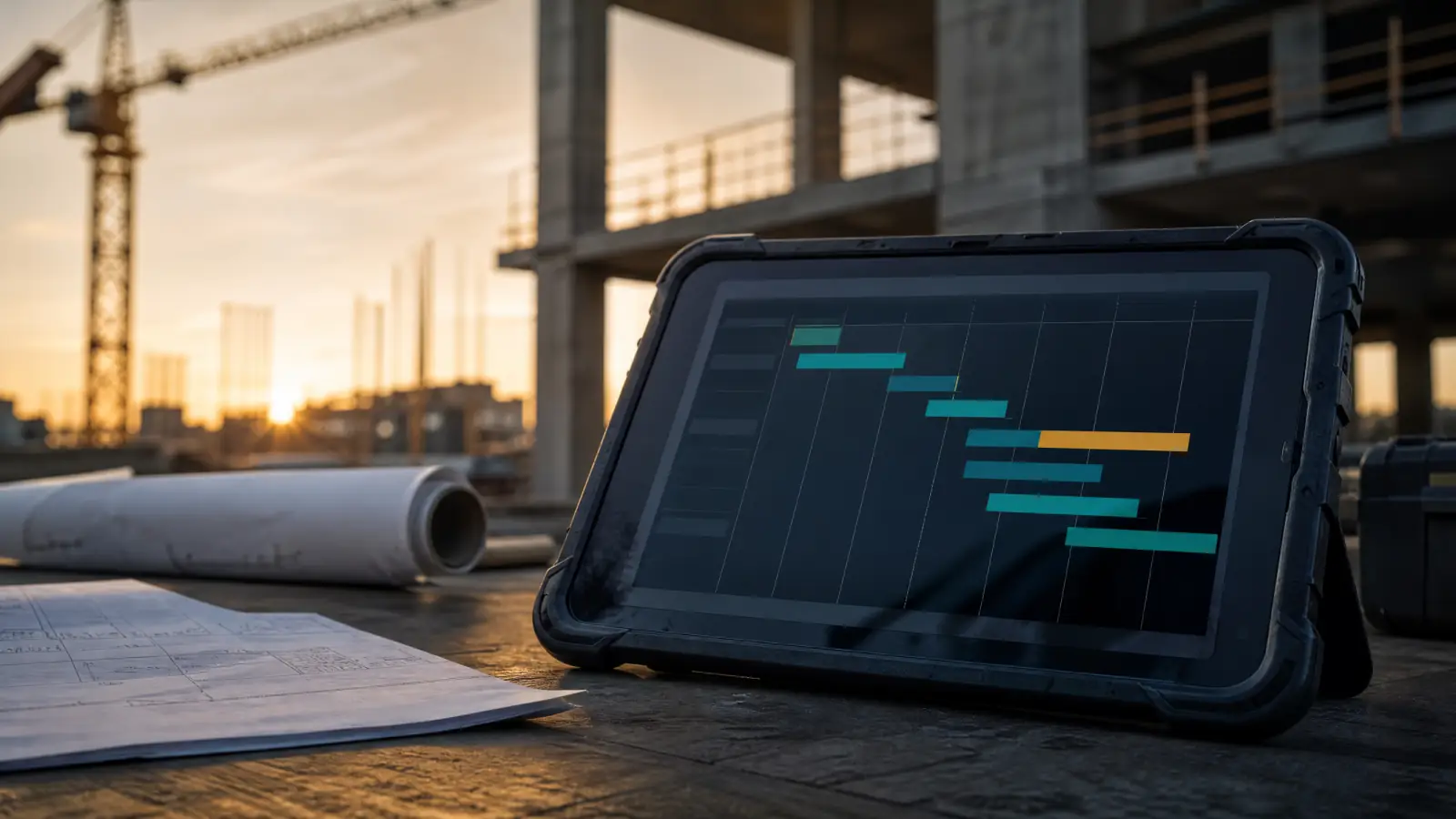
The control room for the construction phase: schedule, defects and progress per trade in one view. Subcontractors are asked and reminded on WhatsApp in their own language. An AI daily report sums up the day and waits for your approval.
- Delays spotted early, the knock-on change proposed
- Defects with photo, deadline and automatic reminders
- Planned against actual per trade, with a traffic light

Management
AI Assistant for Management
The assistant takes text, voice messages, photos or documents. It answers questions about your projects, reads and writes e-mails and appointments and creates tasks. Each morning it sends a short briefing without being asked.
- One channel instead of five applications
- Reminders and briefings before you ask
- In a messenger on your phone, wherever you are
Services
And what isn’t software
The way in, and running things afterwards.

Company analysis
We map your processes, assess the use cases and deliver an implementation plan that is yours to keep.

Getting AI-ready
Your data, processes and systems ordered and connected so that automation can run on them.
Training
Courses for your staff and the introduction of AI systems, on your own processes.
Monitoring, hosting and maintenance
We run, monitor and back up your automations on our own servers in Europe, and adapt them when something changes.

Which application fits your business?
In 30 minutes we show you the application on your own process.